 GITHUB
APACHE-2.0 · FORK OF GENOFFICE · macOS · WINDOWS · LINUX
The office suite that never sees your API key.
Open the .docx, .xlsx and .pptx files you already have, with an AI panel in the editing surface — pointed at an endpoint you own. OpenAI, OpenRouter, Ollama, LiteLLM, DeepSeek, or your own URL. No account, no subscription.
BRING YOUR OWN KEY · IT STAYS ON YOUR MACHINE

WHERE THE KEY LIVES
The renderer never holds it.
Upstream signs in to a Genspark account and routes every model call through the Genspark service. This fork turns that off. GENSPARK_CLOUD_ENABLED is false, the account status reports signed out, and no AI feature can be gated behind a login.
Your key is encrypted with Electron safeStorage and stays in the main process. The window that renders your document only ever learns that a key exists — never what it is.
Base URLs are validated before they are used: HTTPS everywhere, HTTP only for loopback, credentials embedded in a URL rejected. Any error text travelling back to a window is passed through redaction first.
FOUR APPS, ONE ENGINE LAYER
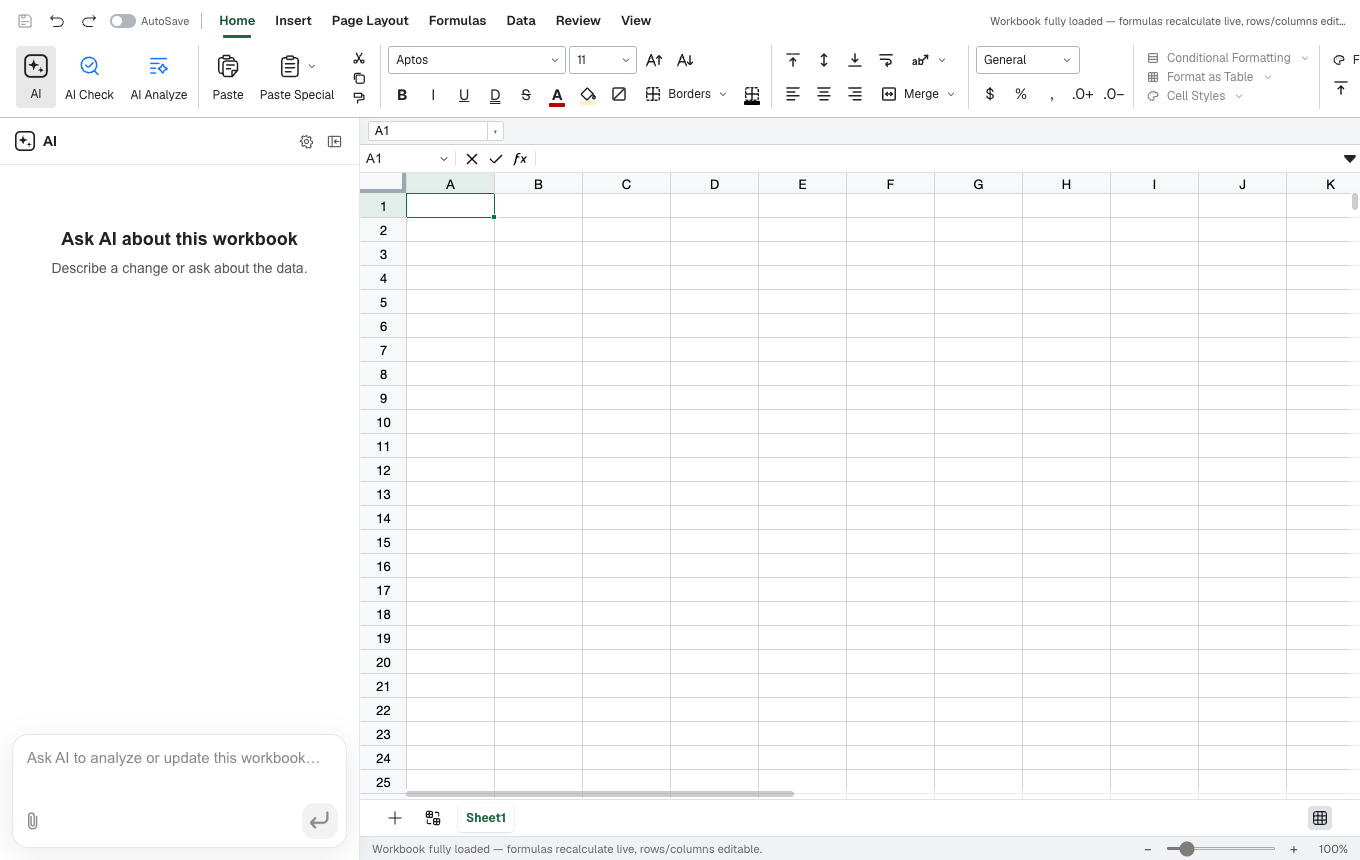
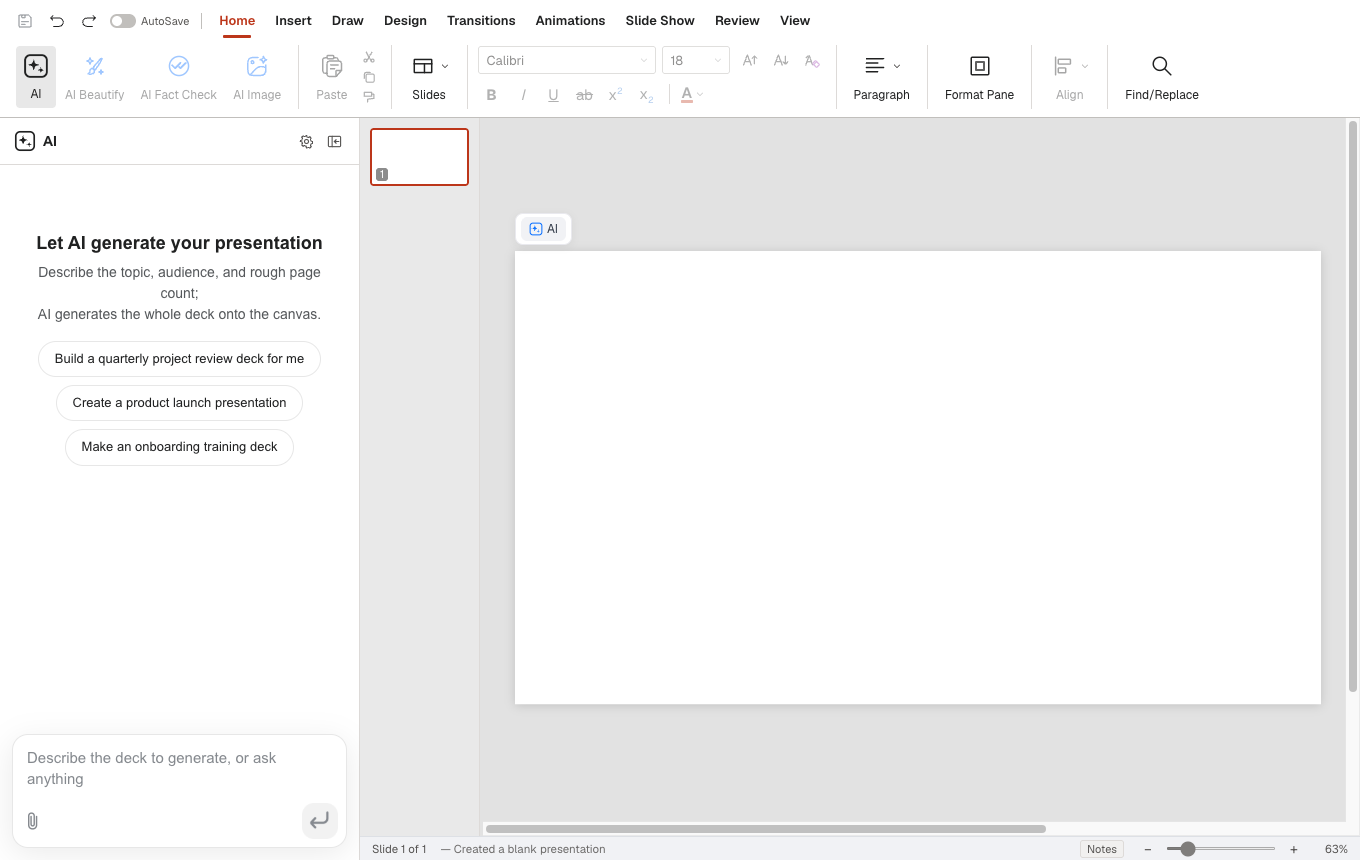
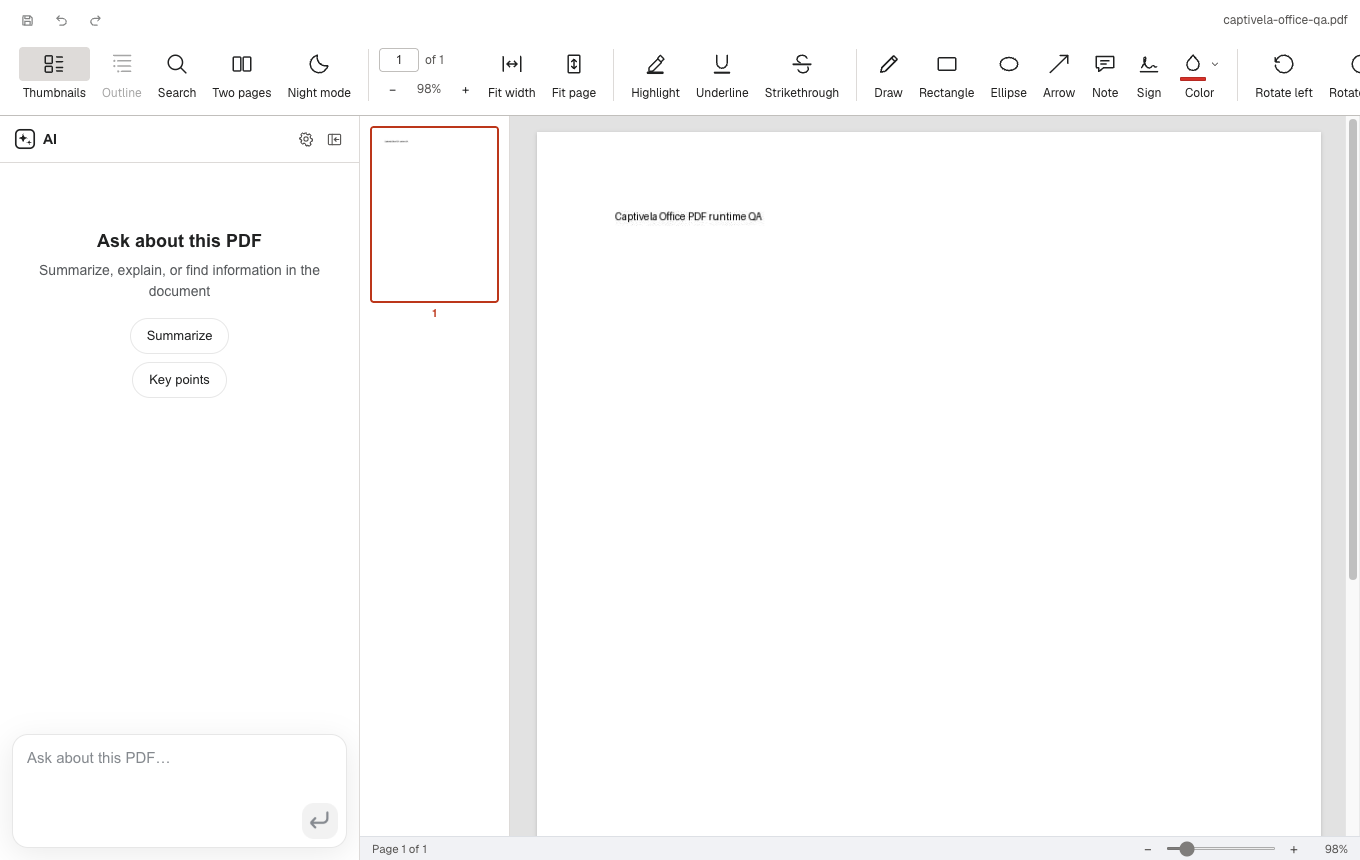
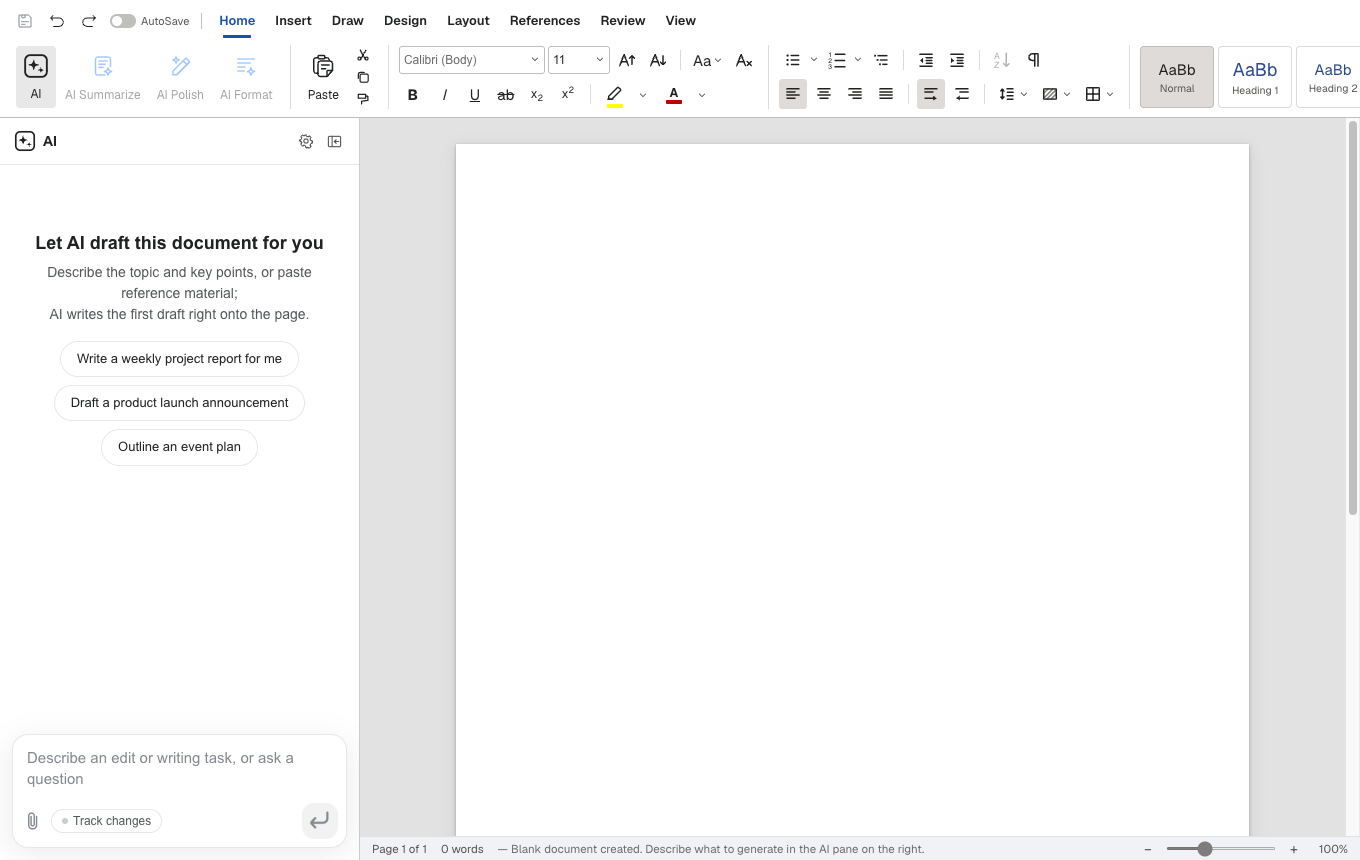
Every app embeds the same AI panel: block-granular editing with version snapshots and diffs in Docs, and a tool-calling agent over workbook, slide and PDF state in the others.
TEST CONNECTION
When it fails, you learn which layer failed.
Pick a preset or paste your own URL. The check reports connectivity, authentication, model availability, protocol shape, streaming and tool calling as separate results — not one opaque error you have to guess at.
Ollama and LiteLLM point at loopback, which the URL policy allows over plain HTTP. Point it at a local model and the model call never leaves your machine.
- connectivityok
- authok
- modelok
- protocolok
- streamingok
- tool callingok
- configok
AI Settings
Provider
Base URL
https://api.openai.com/v1OpenAI-compatible endpoint, e.g. https://api.openai.com/v1
API Key
Stored encrypted by the operating system. Never sent to the editor window.
A REBUILD OF THE DESKTOP APP'S AI SETTINGS DIALOG. THE PROVIDER CHIPS ARE LIVE.
THE ORIGINAL FILE IS THE SOURCE OF TRUTH
Send it back to a Word user and nothing has moved.
Untouched blocks keep their original bytes. Only the paragraphs you actually edited are regenerated — everything else in the file is the file you opened.
OPEN
- 01archive the original by hash — never touched again
- 02parse the top-level elements into a block tree
- 03anchor each block by docxIndex plus its original XML slice
SAVE
- 01dirty blocks become OOXML fragments
- 02splice them back into the original document.xml
- 03repack; every other entry is copied byte-for-byte
The same philosophy holds in Sheets and Slides. Edits are applied as narrow patches, and anything the editor did not touch survives the round trip untouched.
WHAT YOU PAY
No seat. No subscription. No model you didn’t choose.
Captivela bills you nothing, and the AI in it bills you nothing. You pay whichever provider you pointed it at, at that provider’s own API rates — or you point it at Ollama on your own machine and pay nothing at all.
There is no account to create and no seat to license. The model is a field in a settings dialog, not a decision someone else made on your behalf.